Every major platform, at exact native pixel dimensions, with brand-consistent overlays. Right-click any template → "Screenshot Selected Area" (Chrome DevTools) or use Cmd+Shift+4 (Mac) / Snipping Tool (Windows) to grab the final image at native resolution.
// Fastest workflow
Chrome DevTools → right-click the template → "Capture node screenshot" gives you a pixel-perfect PNG at native size. All text overlays are editable in the source HTML — change copy in place, screenshot again, no design software needed.
01 Profile Pictures · All platforms
The mark. Three states.
400 × 400 pixels Circle-crop safe Works on IG · X · FB · LinkedIn · TikTok · YouTube
A single 400×400 square works as the profile picture across every platform. Instagram, TikTok, and X will crop to a circle — the mark is centered and sized to survive the crop. Deliver the Ink version by default; use the Orange version for launch weeks or campaign moments; use the Paper version if you ever need a light-mode context.
A.
// Default · Ink400 × 400All platforms
A.
// Campaign · Orange400 × 400Launch / promo
A.
// Light mode · Paper400 × 400Alt context
A.
// Circle preview400 × 400How IG / X crop
Dimensions: 400 × 400 px
Format: PNG (transparency ok)
Circle-safe: Yes — mark centered
Min display size: 32 × 32 px (mark holds at that scale)
02 Instagram Feed · 3 variants
Feed posts. The daily driver.
1080 × 1080 pixels Square · Instagram feed Also works for Facebook & LinkedIn feed
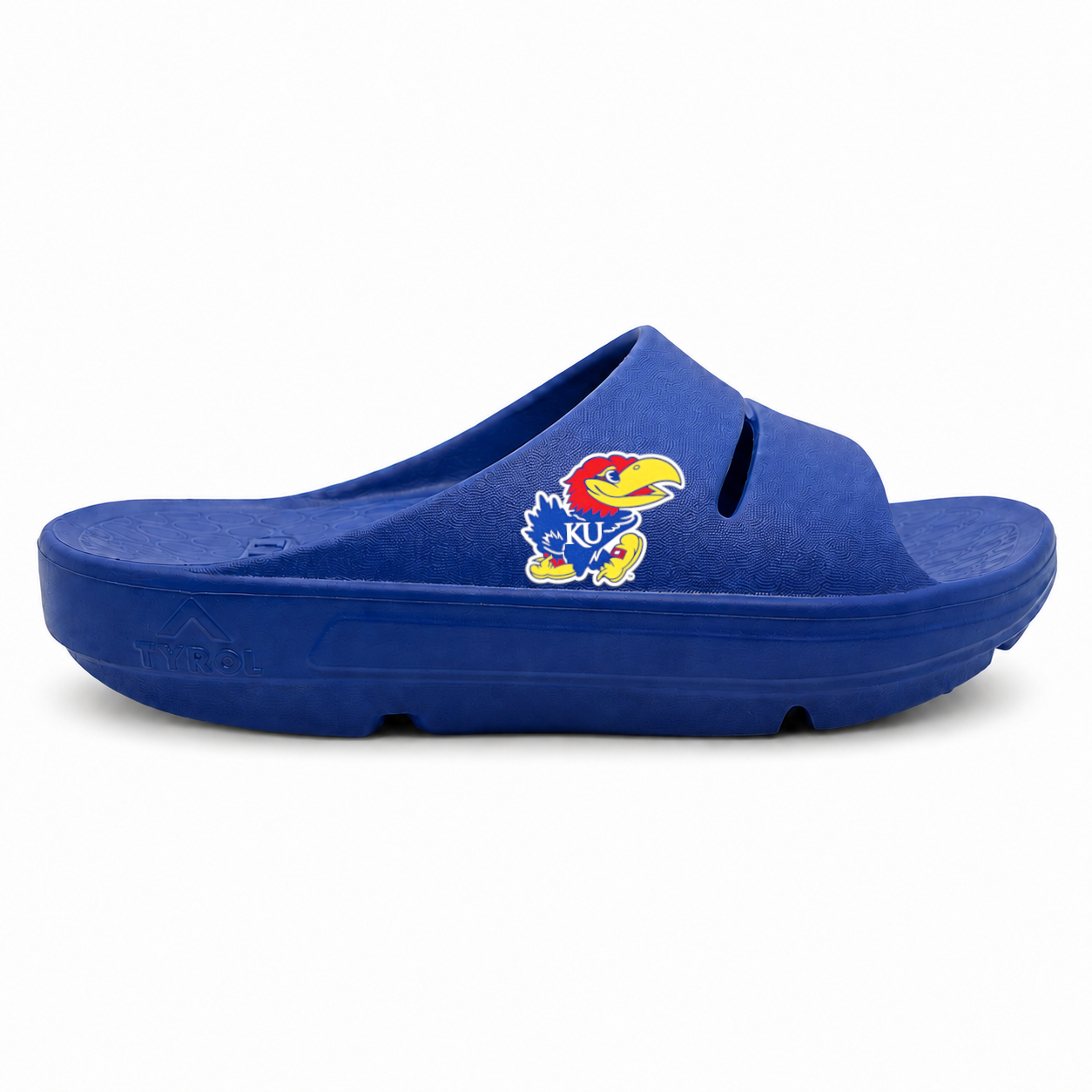
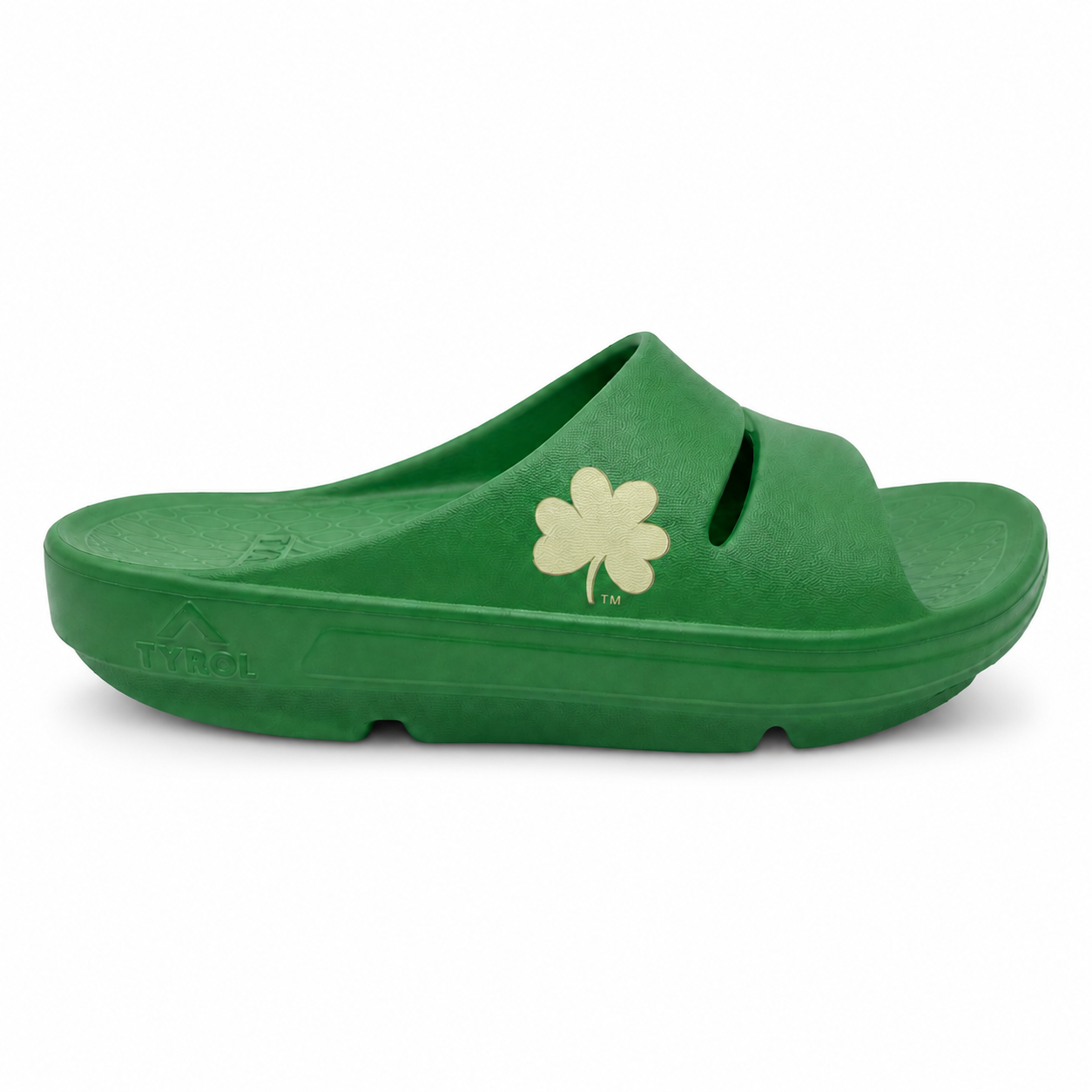
Three variants covering the three main content types: product hero (evergreen), headline card (typographic), and school co-brand (game day / partnership). Rotate them so your feed doesn't feel like the same post twice.
● Officially Licensed
our proprietary EVA cushioning
AIRfeetRecovery.
$79.99
// Variant A · Product hero1080 × 1080IG Feed
// AIRfeet Recovery · No.01
Pride in every step. Recovery in every stride.
AIRfeetRecovery.
Shop →
// Variant B · Headline1080 × 1080IG Feed
// Officially licensed × Kansas
AIRfeetRecovery.
×
Kansas
KU · Blue · Slide
$79.99
// Variant C · Co-brand1080 × 1080IG Feed
Dimensions: 1080 × 1080 px (1:1 square)
Format: JPG (photos) or PNG (typography)
Cropping: Full-frame — no safe zone needed
Also fits: Facebook feed, LinkedIn feed (square works everywhere)
// Copy variants ready to swap
All text overlays are live HTML — edit the source directly to change school, price, product, or headline. Suggested content mix: ~40% product hero, ~30% headline typographic, ~30% school co-brand. Never post two of the same variant back-to-back.
Two variants: one product-driven, one typographic. Both leave headroom top and bottom for platform UI (profile bubble top, swipe-up / CTA bottom, sticker area on IG Stories). Text stays within the middle 60% of the frame for safe viewing.
● NEW · OFFICIALLY LICENSED
Rep your school. Recover your feet.
Shop $79.99 →
@airfeetrecovery
// Variant A · Product1080 × 1920Story · TikTok
// AIRfeet Recovery · 15 schools · one price
Pride in every step.
Officially licensed slides & thongs · $79.99 · every school
AIRfeetRecovery.
// Variant B · Type1080 × 1920Story · Reel
Dimensions: 1080 × 1920 px (9:16 vertical)
Format: JPG or PNG
Safe zone: Middle 60% (avoid top / bottom 250px)
Also fits: Reels covers, Pinterest Pins (2:3 ratio close enough)
Multi-purpose horizontal cover. Works as your Facebook page cover, LinkedIn banner, and Open Graph share image (what shows when someone shares an airfeetrecovery.com link on Facebook or LinkedIn or in Slack).
X's profile banner is a tricky one — the profile picture overlaps the bottom-left, and on mobile the top ~10% and bottom ~10% get cropped. Keep critical content in the middle 60% horizontally and top 70% vertically.
YouTube's banner appears at wildly different crop ratios depending on device — TV, desktop, tablet, mobile. Only the center 1546×423 pixels are guaranteed to show everywhere. Anything outside that zone will get cropped on smaller screens. The dashed rectangle inside the template marks that safe zone.
// TV/DESKTOP SAFE ZONE 1546 × 423
AIRfeetRecovery.
● Officially Licensed Collegiate Footwear
airfeetrecovery.com
// YouTube channel banner2560 × 1440YouTube
Dimensions: 2560 × 1440 px (16:9)
Format: PNG preferred · 4 MB max
Safe zone: 1546 × 423 center (all devices)
Full display: 2560 × 423 (desktop only)
// Why the safe zone matters
On mobile, YouTube shows only the center 1546×423 pixels. On desktop, viewers see 2560×423. On a smart TV, they see the full 2560×1440. Keep your wordmark and tagline inside the 1546×423 safe zone — decorative product photos can spill outside since losing them on mobile is fine.
07 Export workflow
Ready-to-post PNGs in three clicks.
All templates Native resolution No design software needed
These are HTML templates, not baked JPGs — every text overlay, price, product, and school is editable in the source. Change the copy, then screenshot the template at native resolution.
// Chrome workflow · pixel-perfect
1. Open Chrome DevTools (Cmd+Opt+I / Ctrl+Shift+I). 2. Right-click the template element → "Capture node screenshot." 3. Chrome saves a PNG at the exact native pixel dimensions. Post it.
// Mac / Windows shortcut
Alternative: press Cmd+Shift+4 (Mac) or use the Snipping Tool (Windows) to select the template. This works but rasterizes at your screen resolution — the Chrome DevTools method is better for pixel-perfect output.
// Editing text overlays
Open Social Media Templates.html in a text editor. Every visible headline, price, hashtag, and product filename is in plain HTML. Find the string you want to change, replace it, save, and reload the browser. Then screenshot.